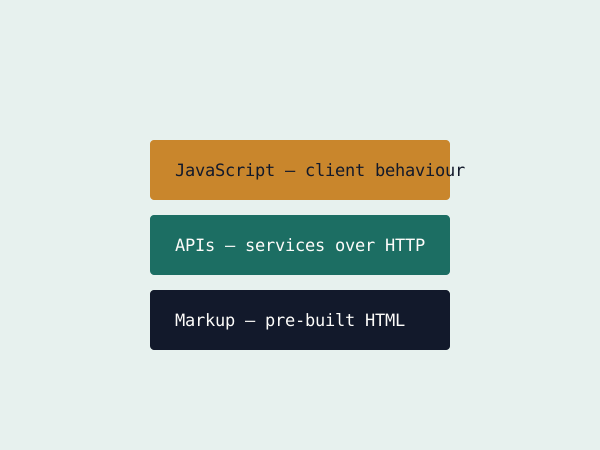
WordPress, in its traditional form, manages content and renders the final HTML in the same system. A headless CMS keeps the content management side - the editor, the database, the API - but drops the rendering half entirely, handing content back as JSON for whatever front end asks for it.
GET /api/articles/42
{
  "title": "Headless CMS",
  "body": "...",
  "publishedAt": "2018-11-14"
}
Why that separation is useful
The same content can now feed a website, a mobile app, and a digital display, from one editorial source, without duplicating content into three separate systems that inevitably drift out of sync with each other.
The trade-off worth naming
Editors lose the classic WordPress "preview my page as it will look" experience unless the front end specifically builds one back in. For content-heavy sites feeding a single channel, a traditional CMS is often still the simpler, faster choice.
Content as an API, not a templated page
A traditional CMS like WordPress owns both the content and how it's rendered. A headless CMS owns only the content, exposed through an API, leaving the front end free to be anything - a Next.js site, a native mobile app, a kiosk display - all pulling from the same content source.
const res = await fetch('https://cms.example.com/api/posts?slug=hello-world');
const post = await res.json();
What you give up in exchange
Editors lose the visual, on-page editing experience that a traditional CMS's live preview provides, unless the headless platform specifically supports preview mode wired into your front end. That setup cost is real and often underestimated during the sales pitch for "headless" - it's the right architecture for teams shipping to multiple platforms from one content source, and often more complexity than a single marketing site actually needs.